| example | ||
| nginx | ||
| public | ||
| src | ||
| .env.docker | ||
| .gitignore | ||
| Dockerfile | ||
| env.ps1 | ||
| env.sh | ||
| package.json | ||
| README.md | ||
| tsconfig.json | ||
| yarn.lock | ||

Instruction
Frontend for Proxy Frigate
- create file:
docker-compose.yml
version: '3.1'

services:
  front:
    image: oncharterliz/multi-frigate:latest
    environment:
      FRIGATE_PROXY: http://localhost:4000
      OPENID_SERVER: https://server:port/realms/your-realm
      CLIENT_ID: frontend-client
    ports:
      - 80:80 # set your port here
- run:
docker compose up -d
For https connections you can use reverse proxy
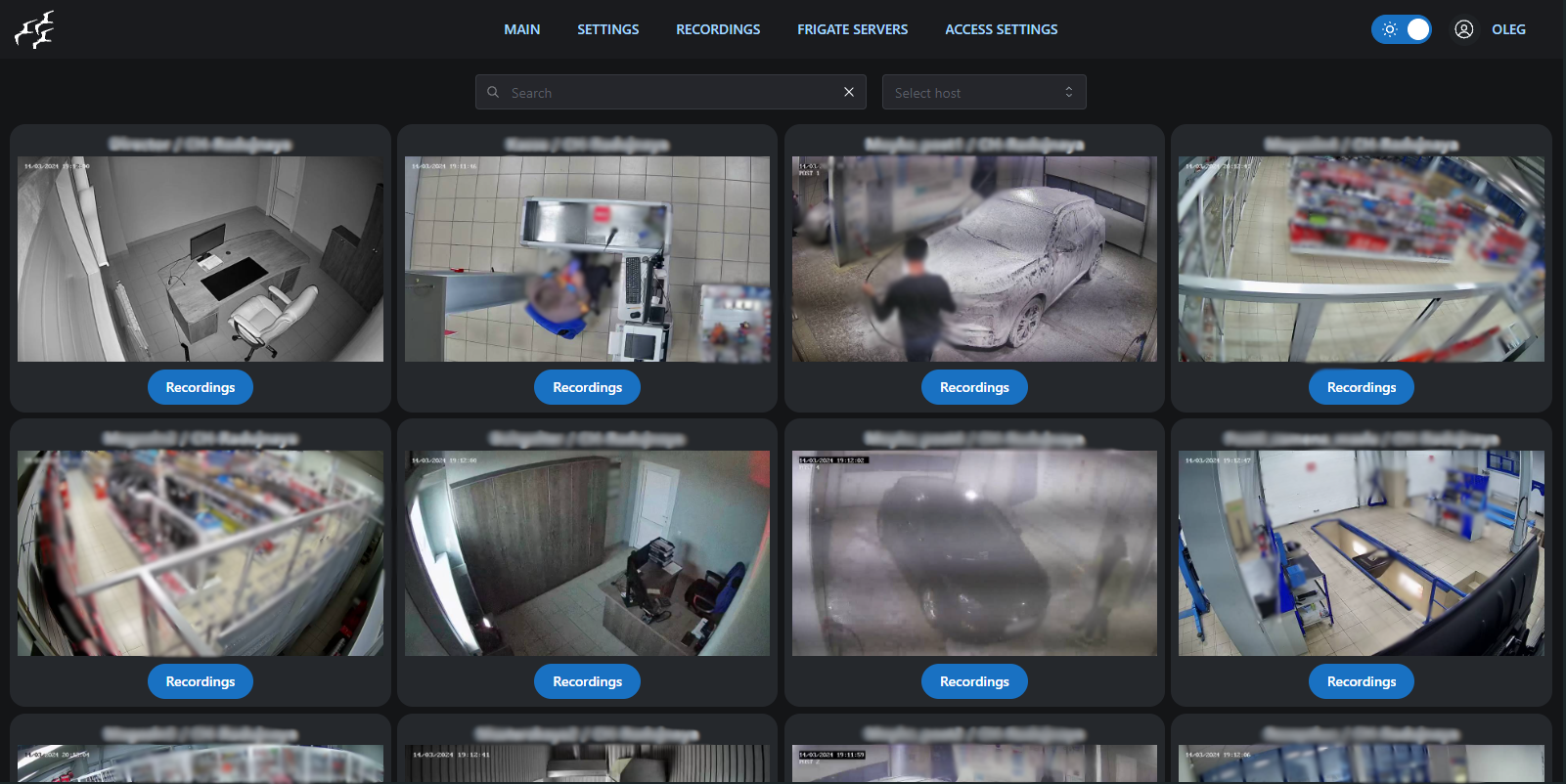
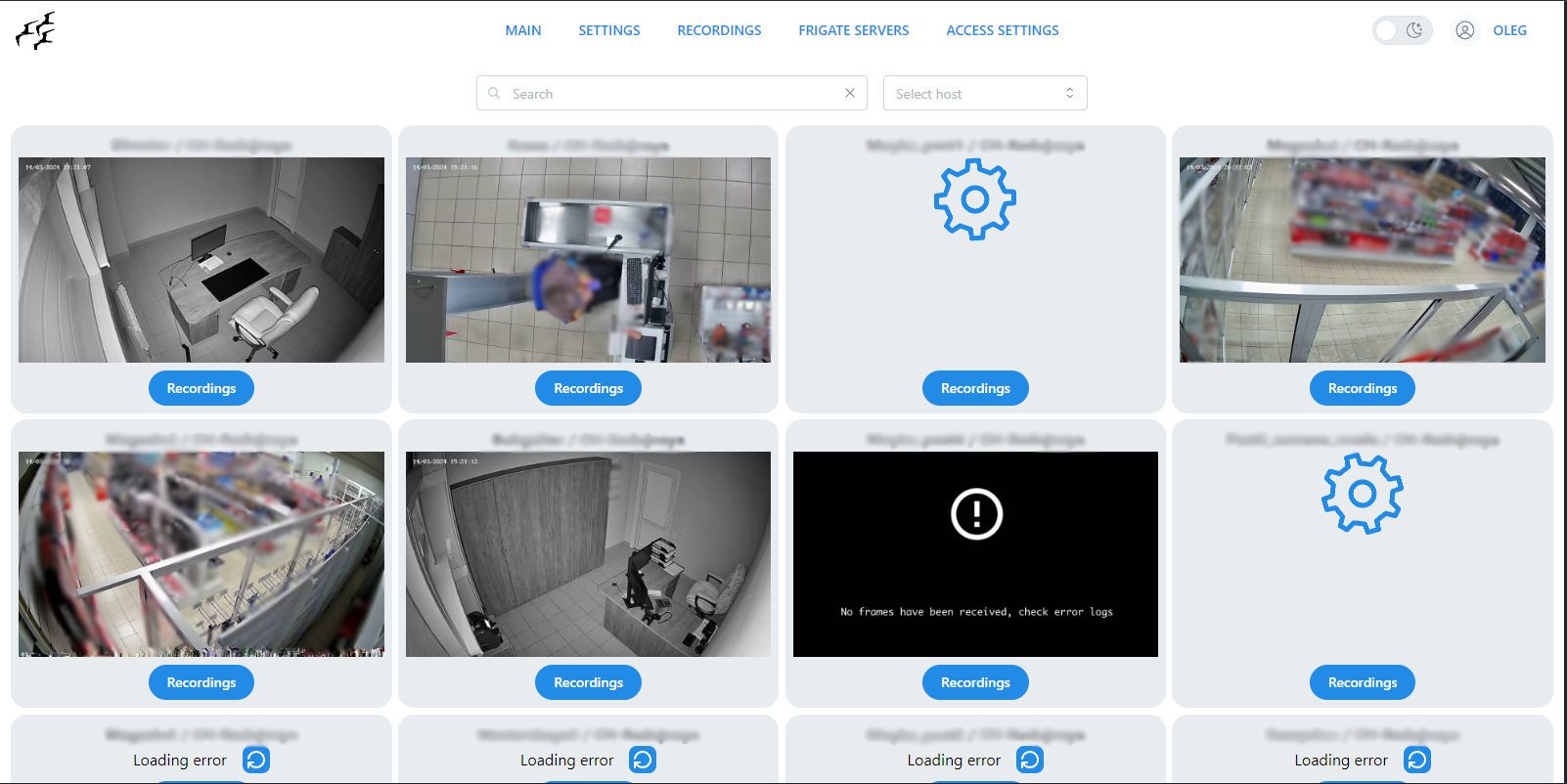
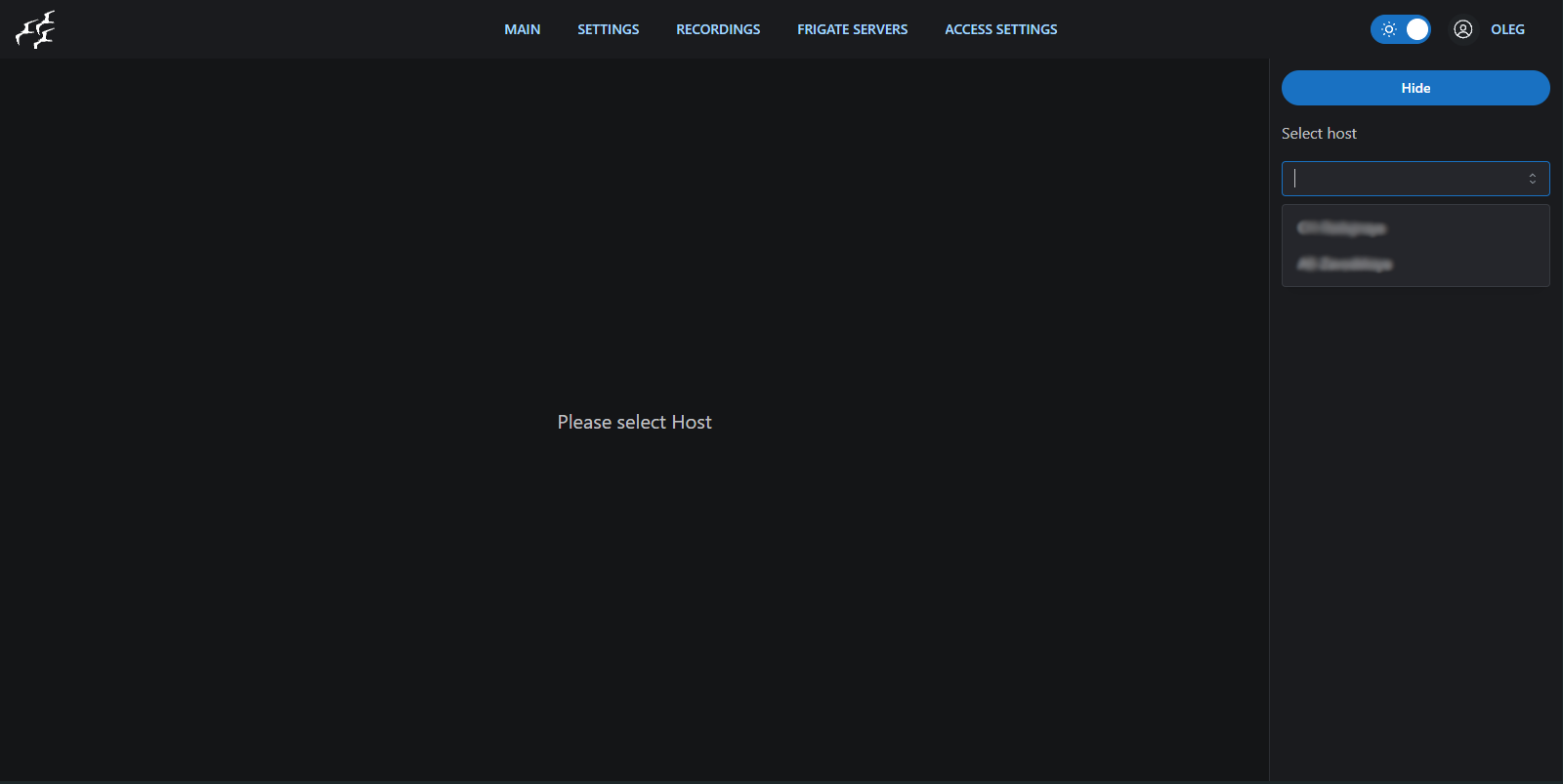
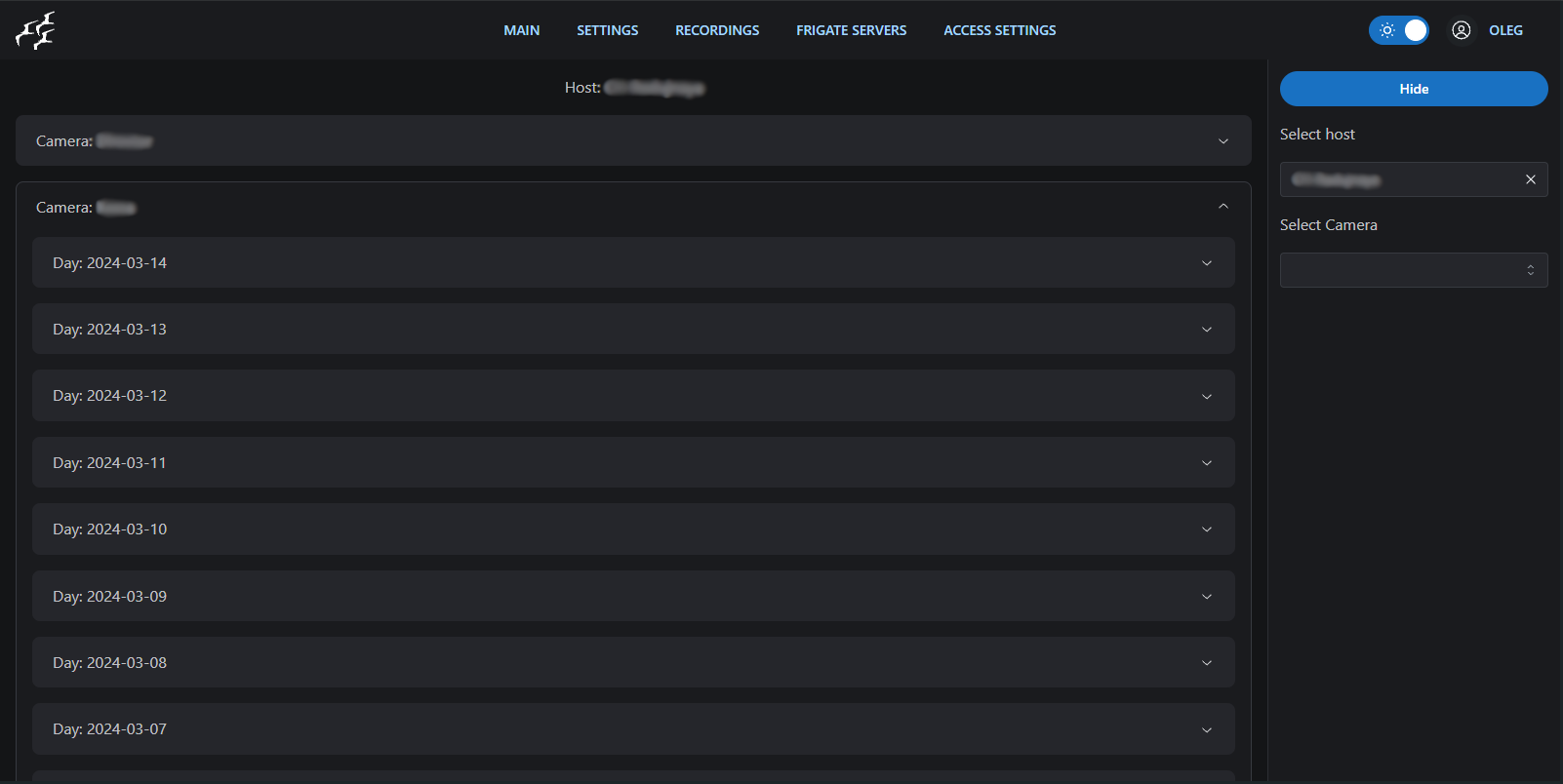
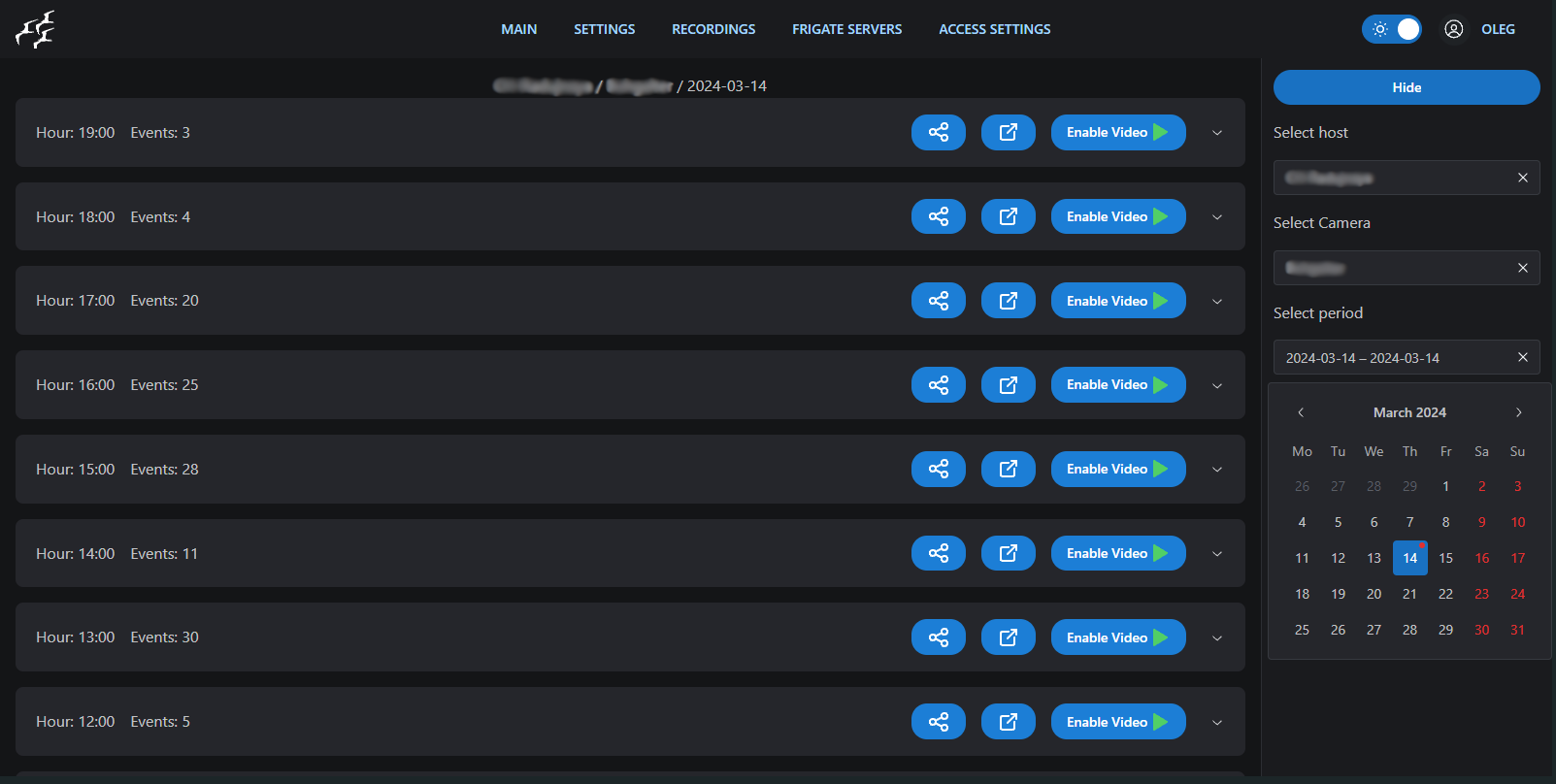
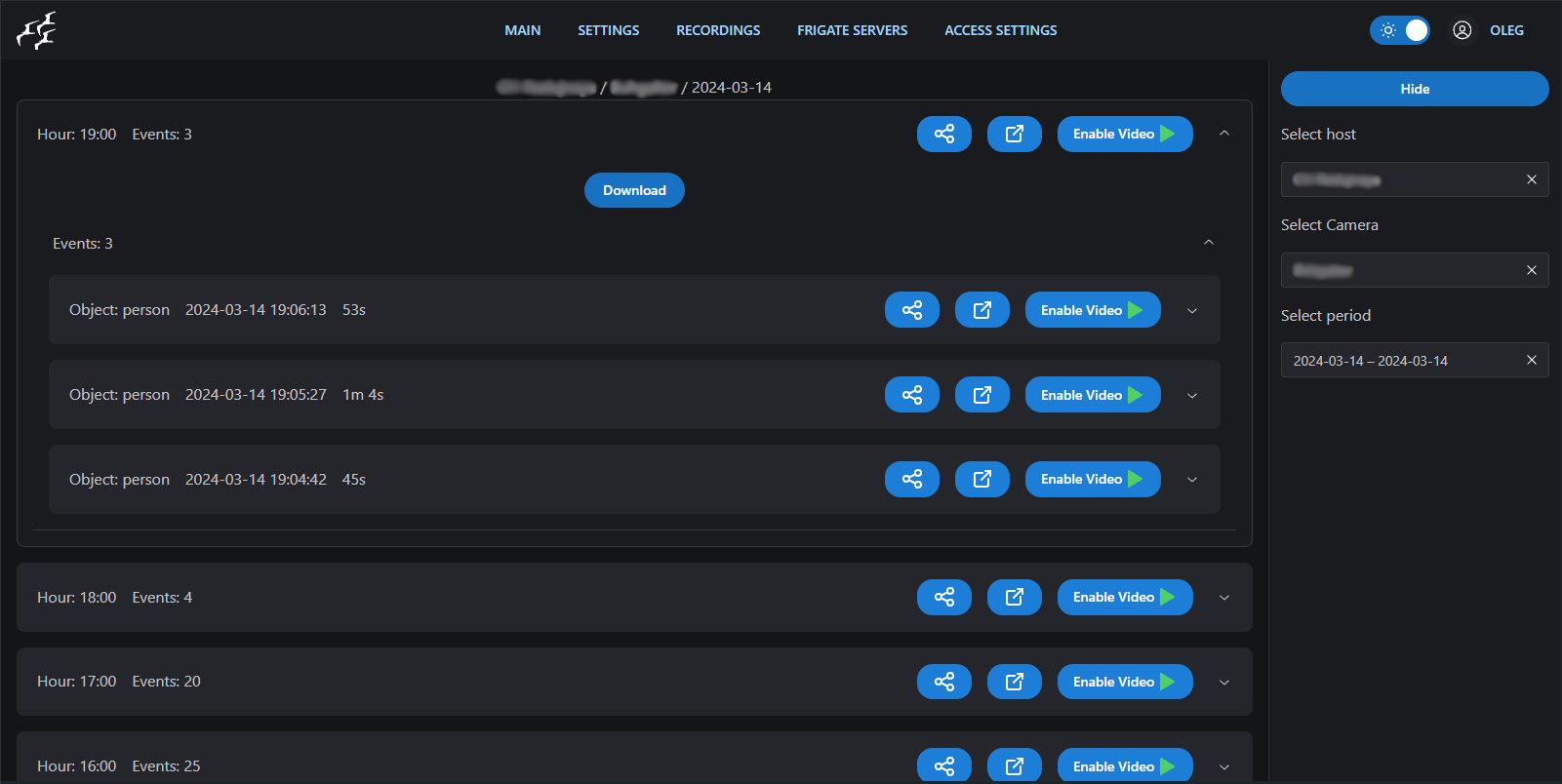
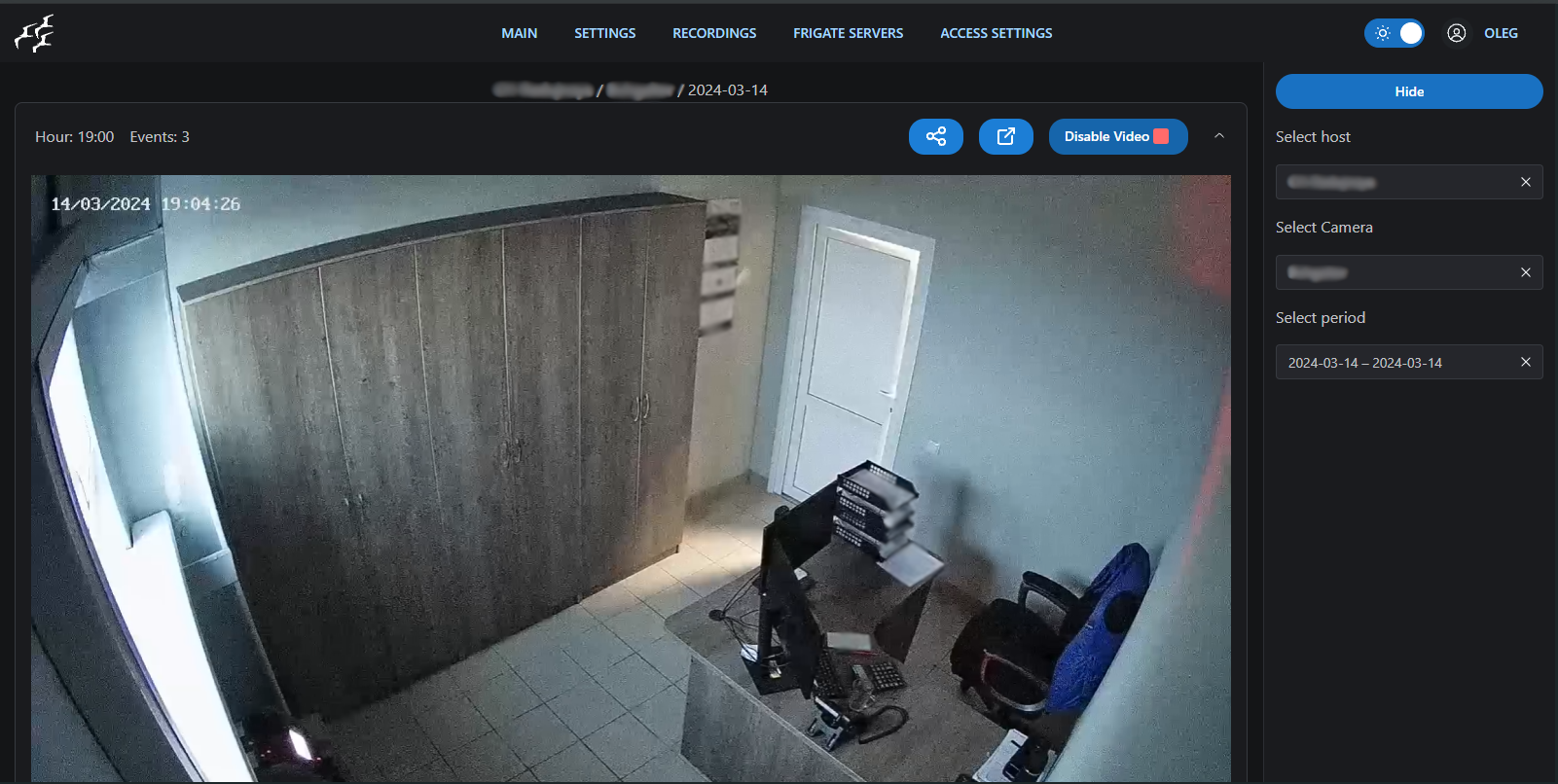
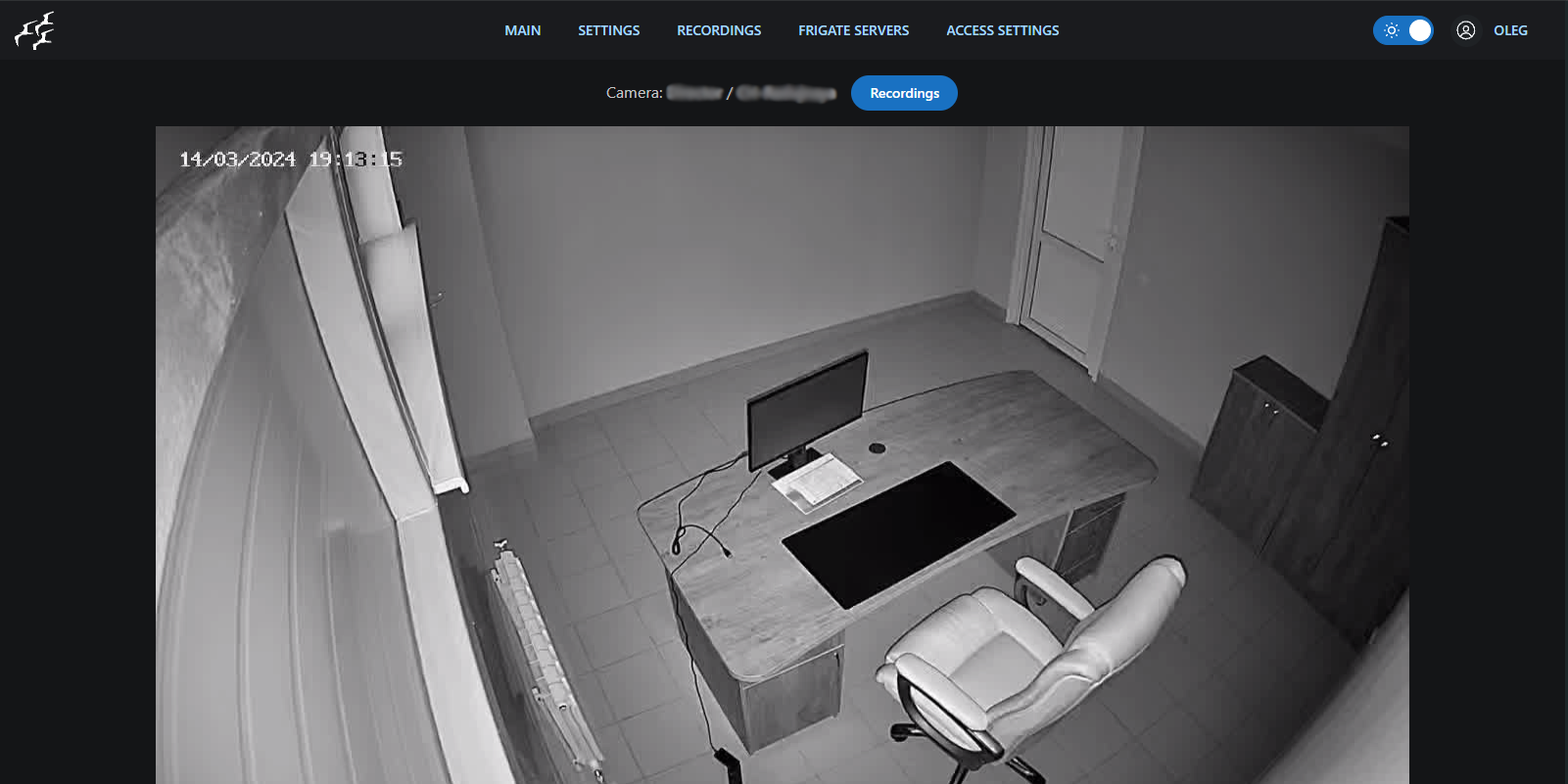
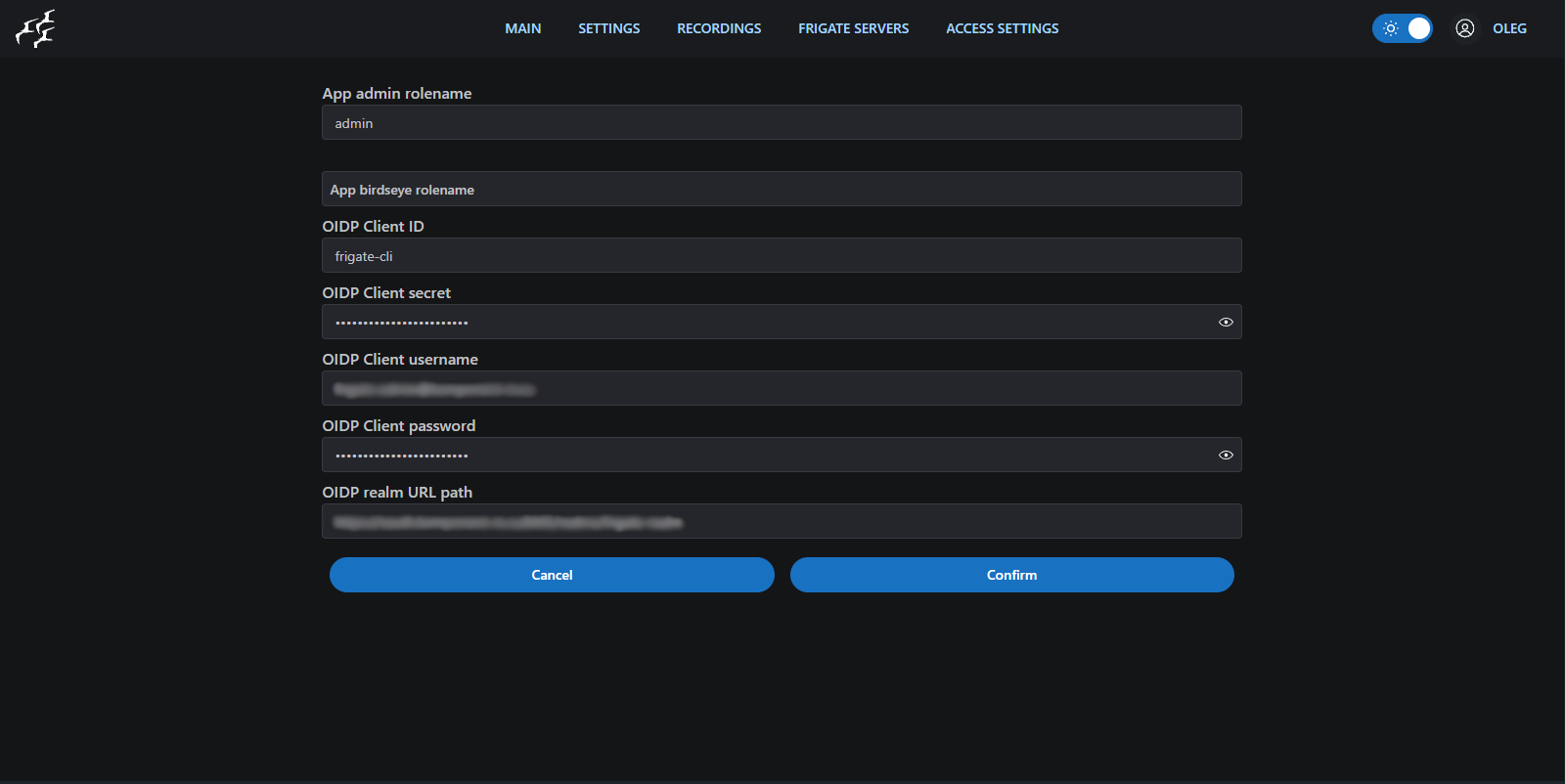
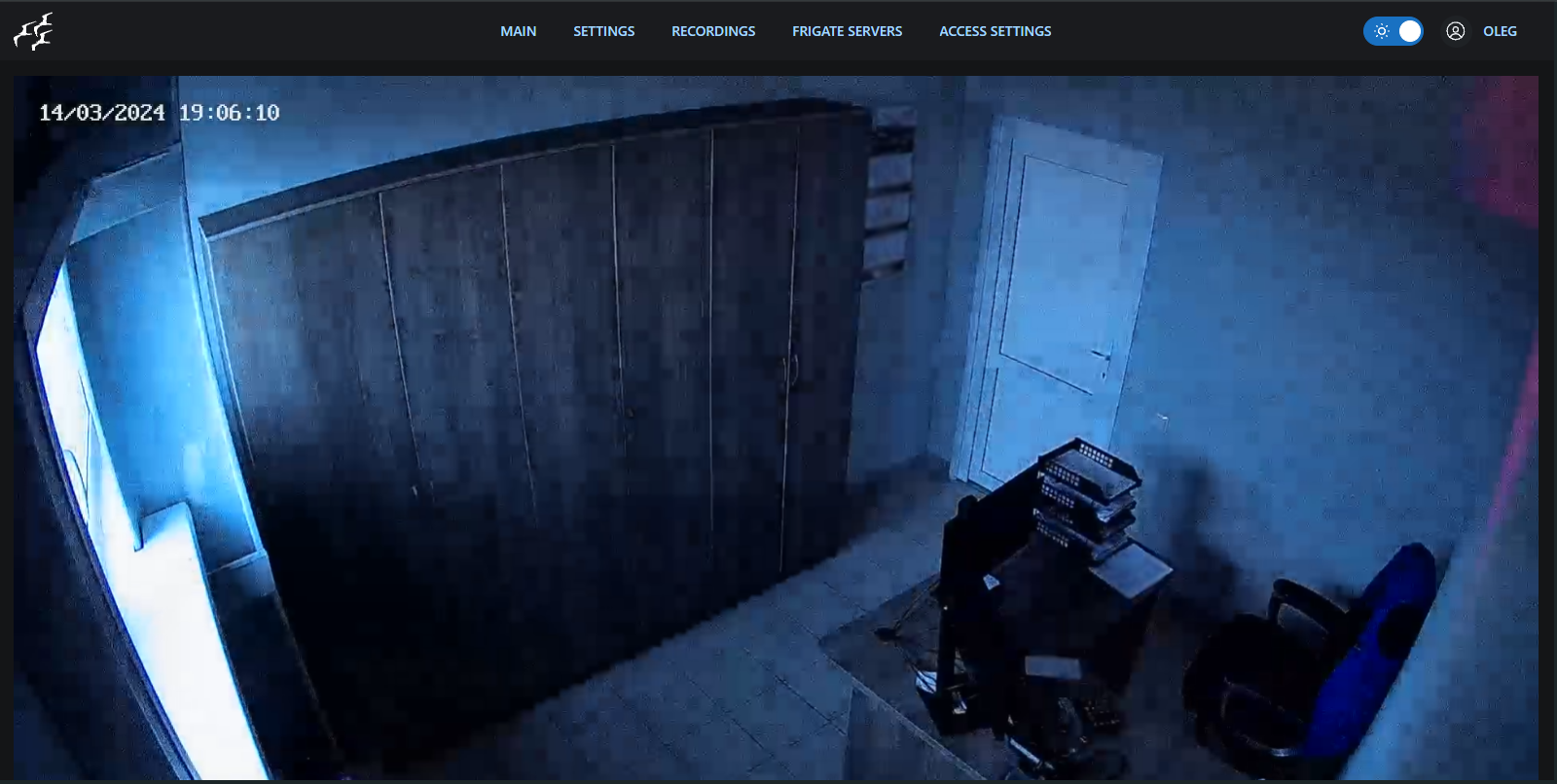
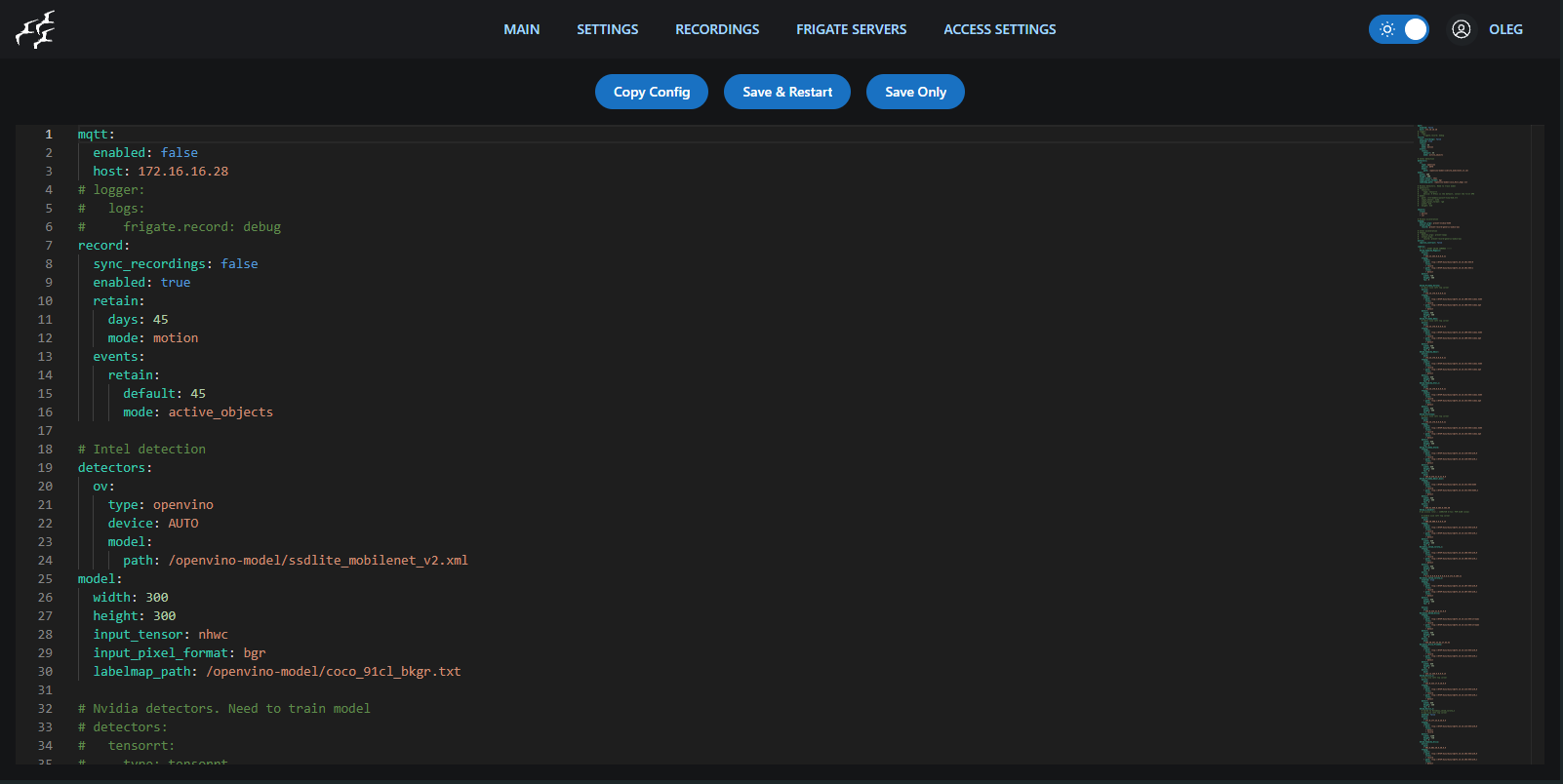
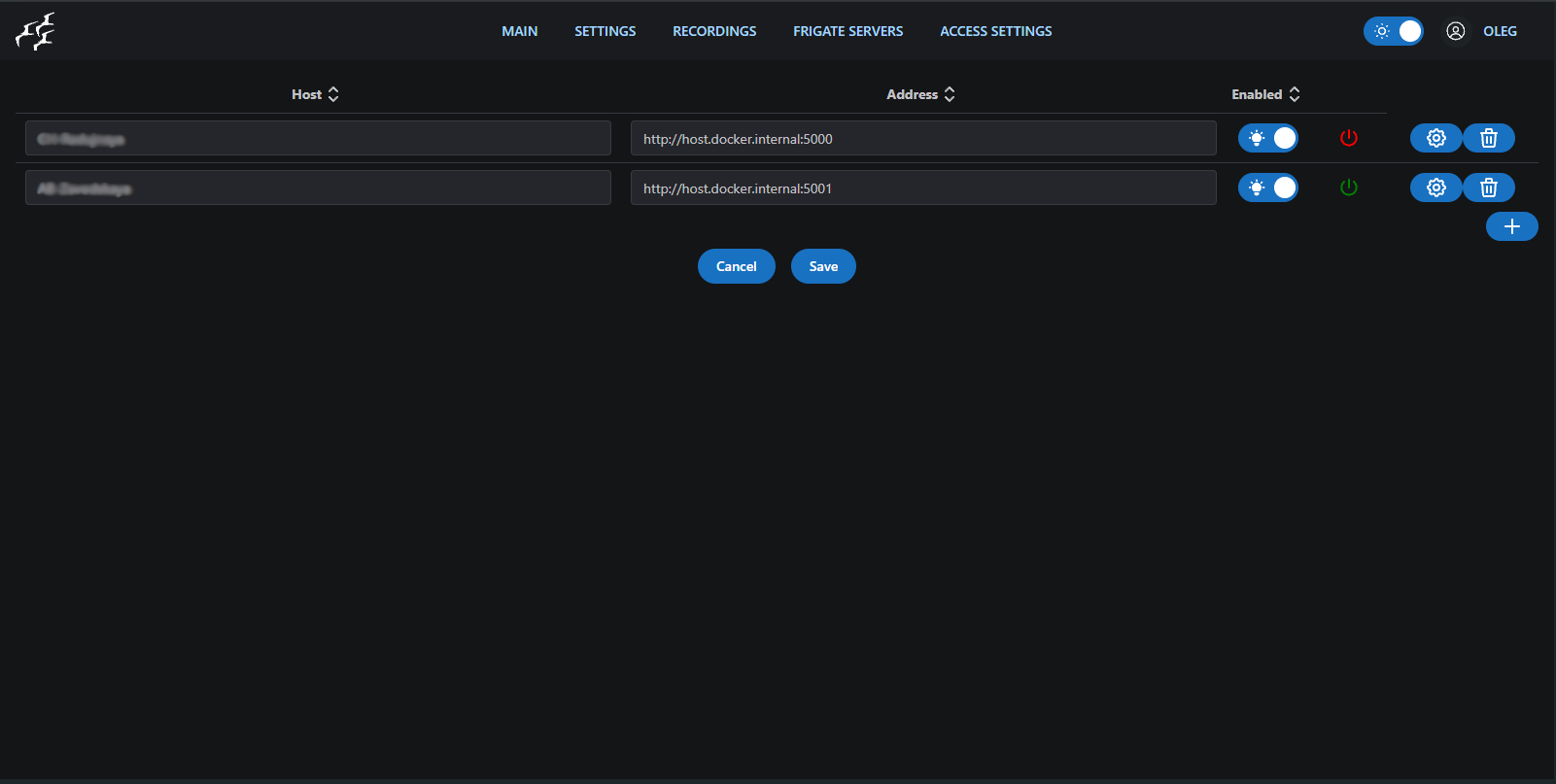
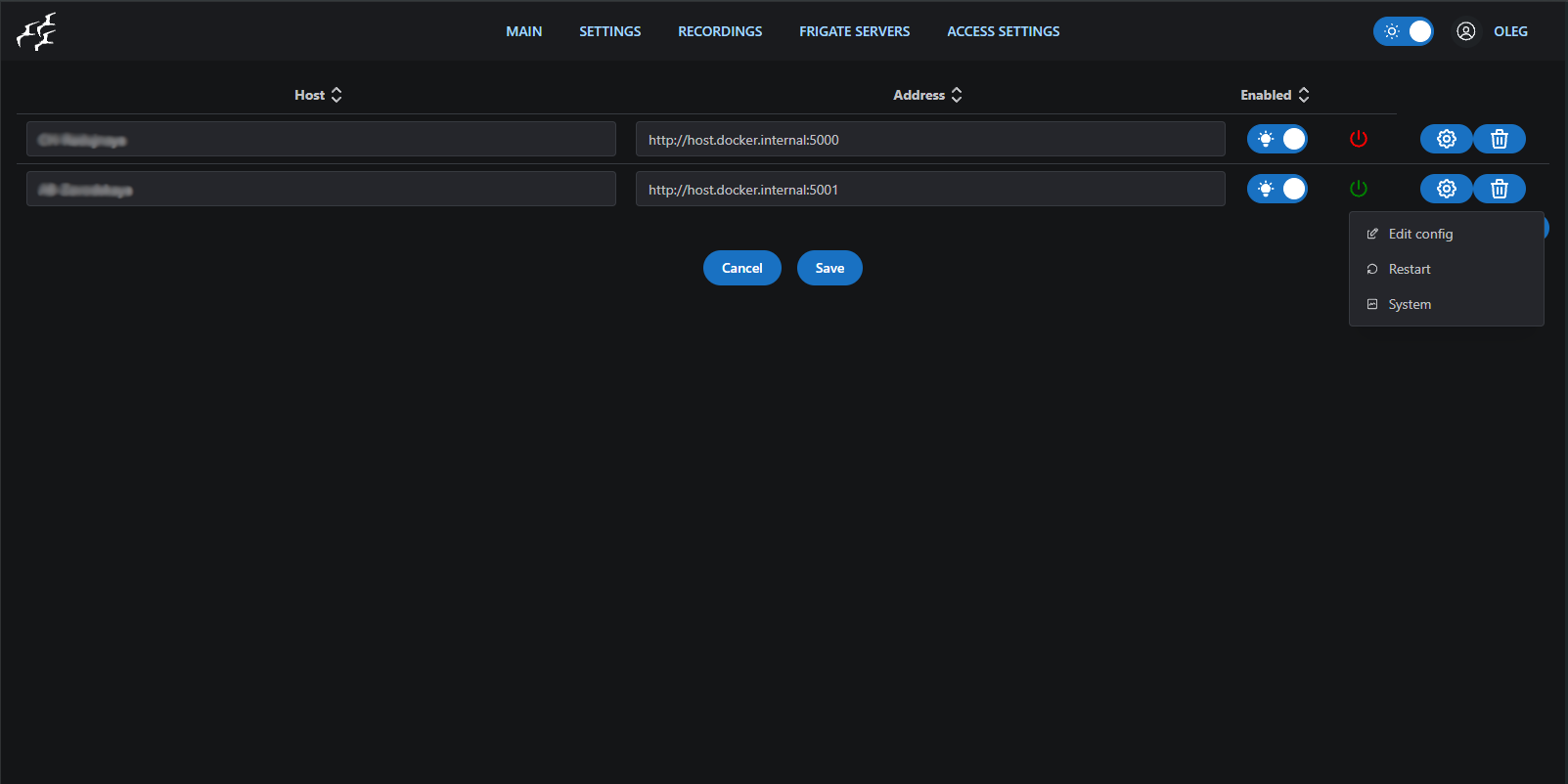
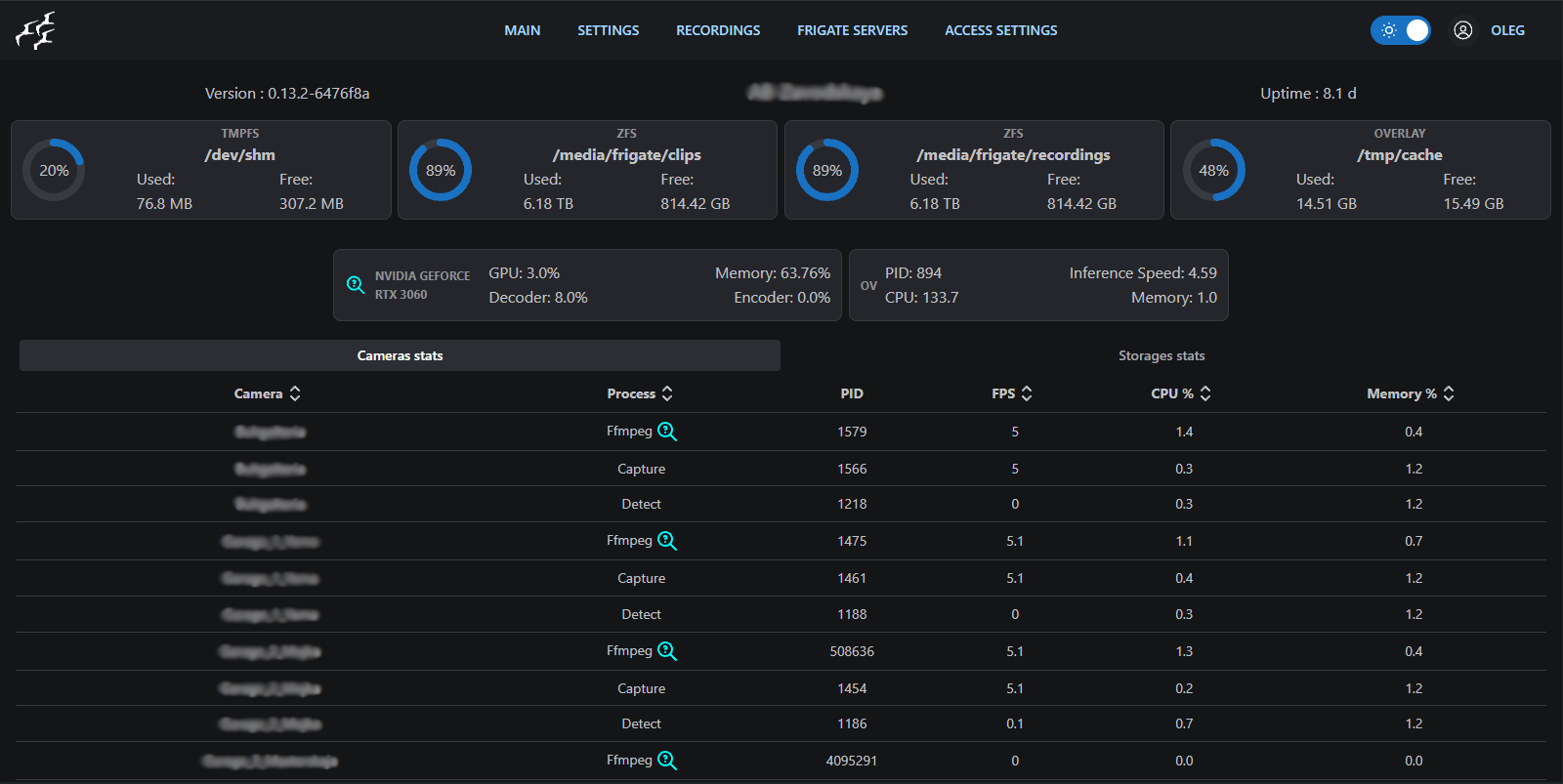
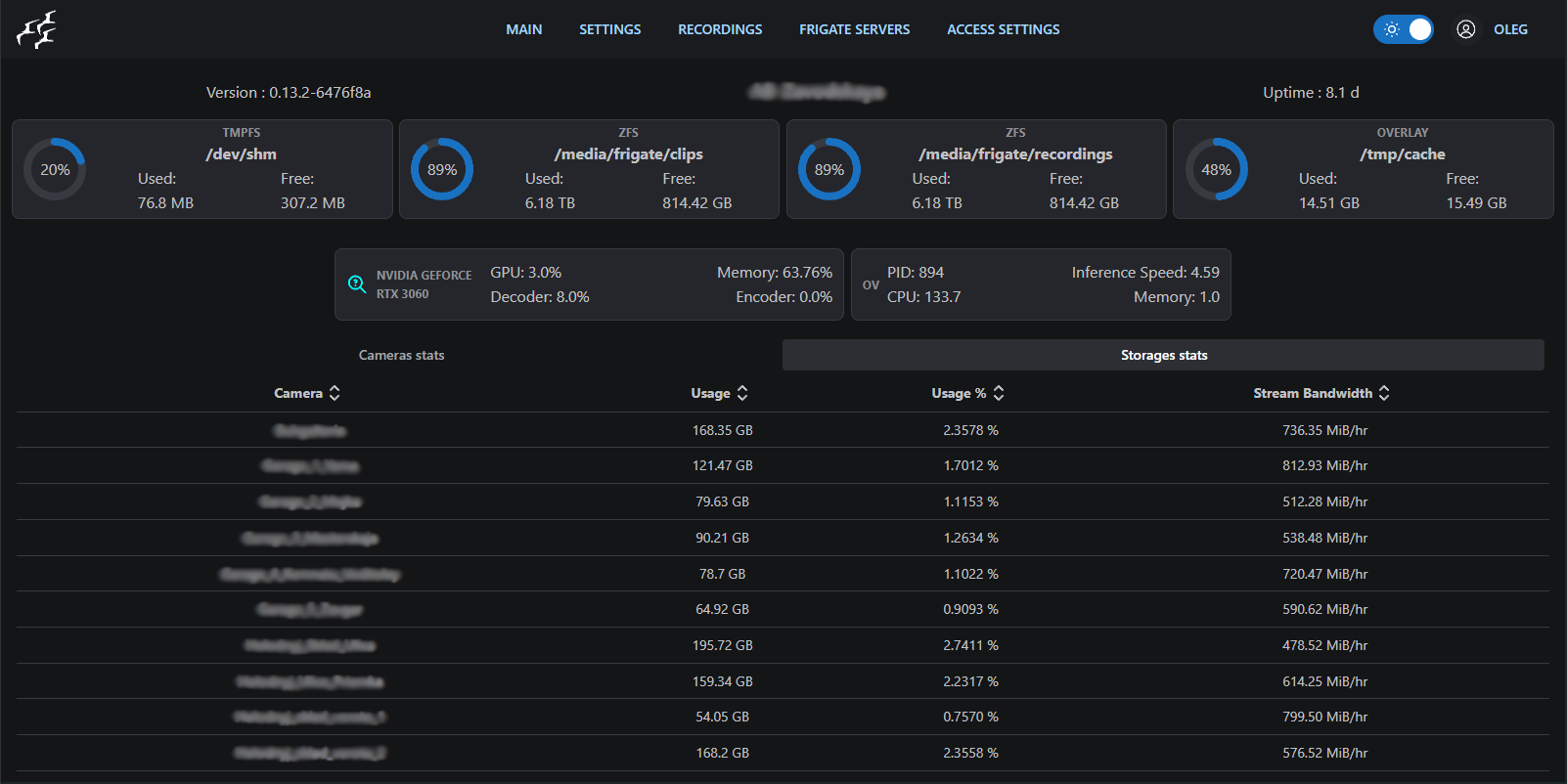
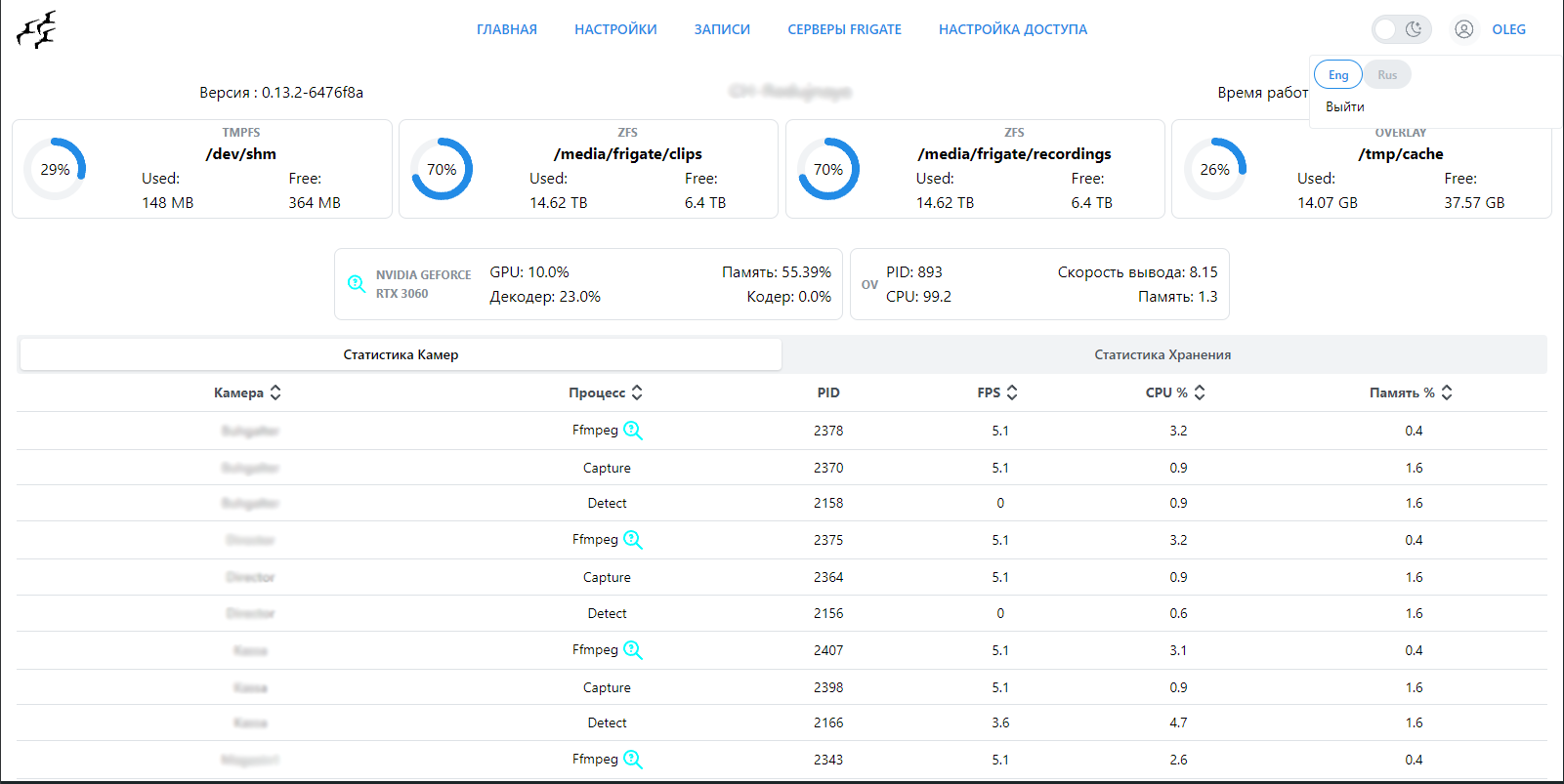
Example